
If you would like to add a new type of document to your list of types, it is now a really simple process.
1. Navigate to Documents, then Document Types

2. Enter your document type in the field, in this example we are adding a Hot Tub Guide

3. Then click Add

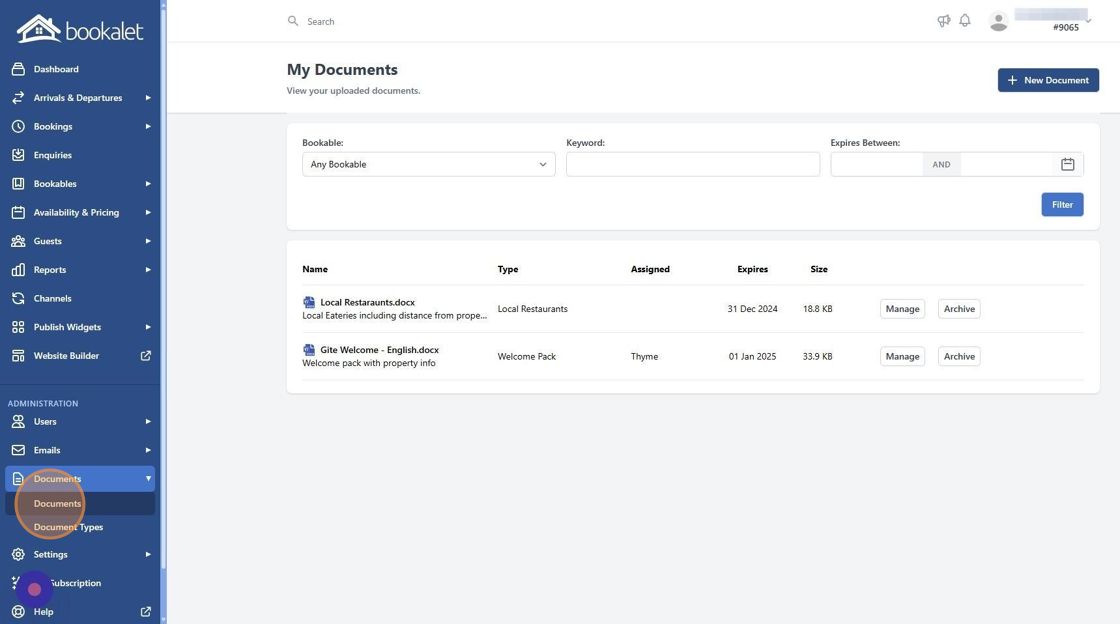
4. Navigate to documents to upload your new document
5. You will find your recently added document type in the list to select


